

Download YandexVPN – Free, Secure, and Easy-to-Use VPN Tool for Windows, Mac, Android, iOS
Overview
YandexVPN is a free virtual private network (VPN) utility developed by Yandex, a major Russian technology company known for its search engine and digital services. Designed to provide secure and anonymous browsing, the software enables users to mask their IP addresses and access geo-restricted content such as streaming platforms like Netflix and Disney+. The app is intended for individuals seeking a straightforward solution to bypass regional internet restrictions without technical complexity.
It serves both casual users and those needing occasional access to blocked websites or services. While the developer emphasizes privacy by claiming not to collect user data, third-party reports have raised concerns about data handling practices, suggesting potential risks that users should consider. The software supports multiple platforms, including Windows, Mac, Android, and iOS, making it accessible across a wide range of devices.
Its primary use cases include unblocking content, enhancing online privacy, and enabling secure browsing on public networks. The developer did not provide additional system requirements or detailed performance metrics.
Key Features & Capabilities
- Free Access to Global Content – Allows users to bypass geographic restrictions and access region-locked websites and streaming services.
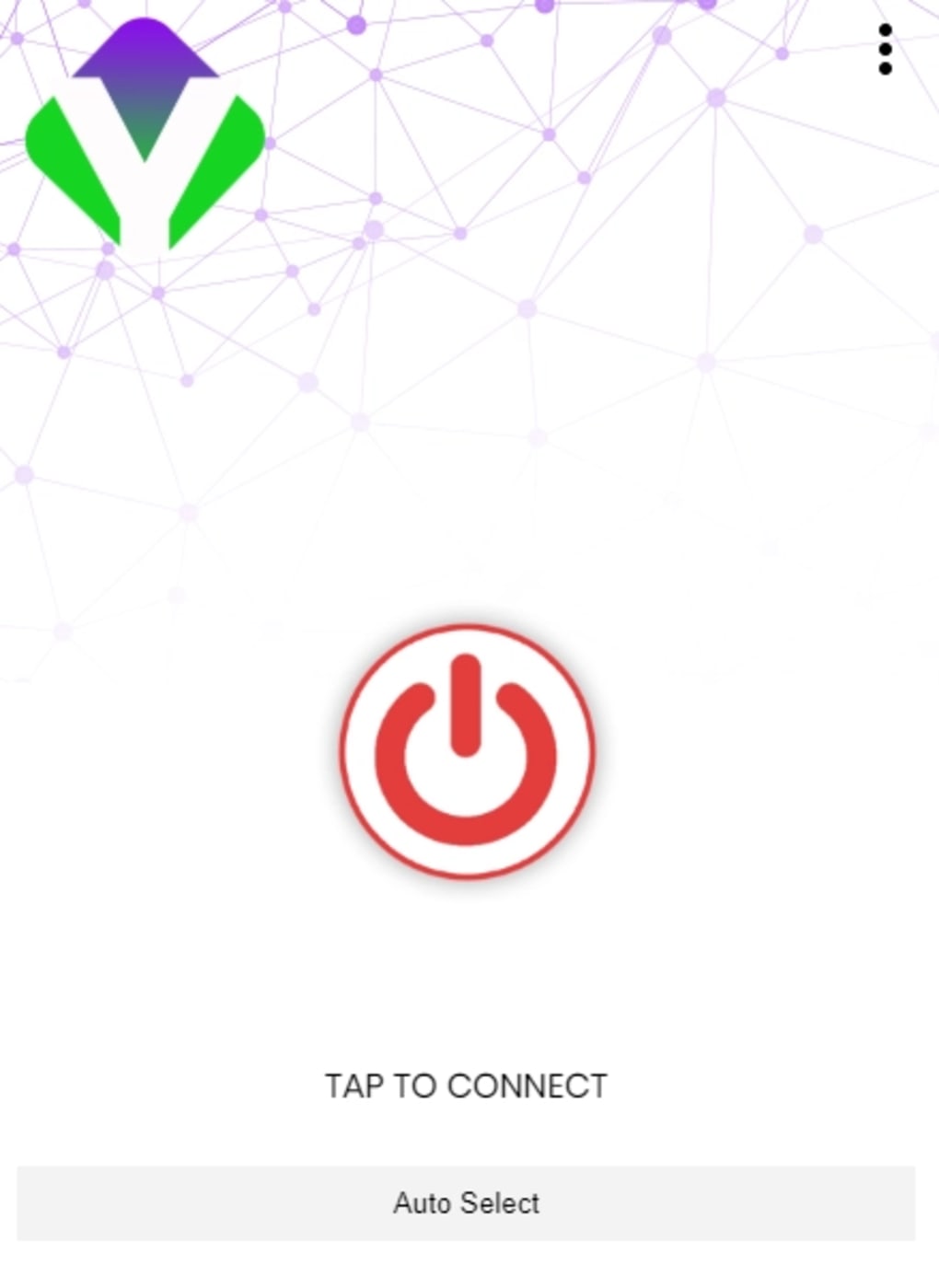
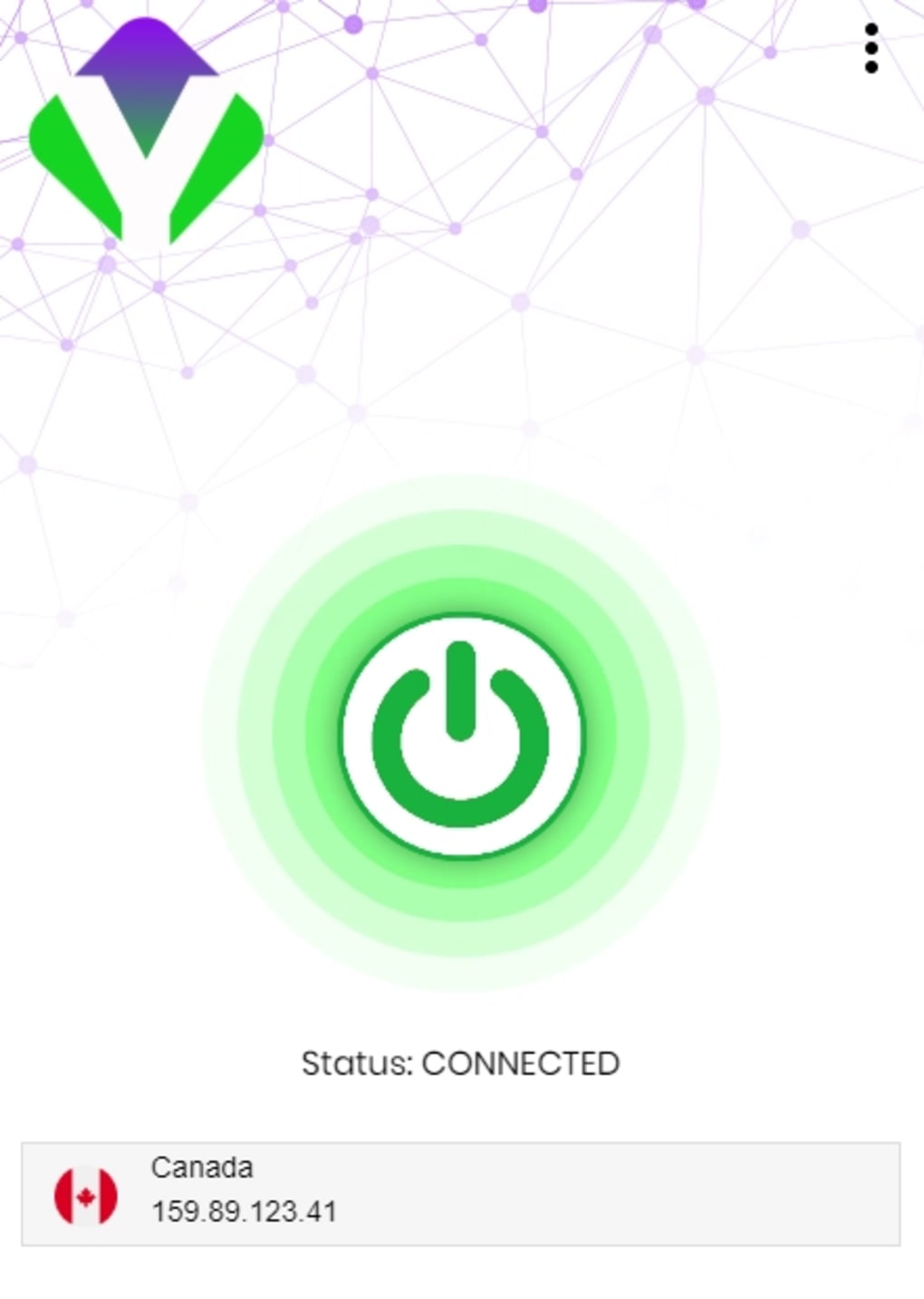
- One-Tap Connection – Features a prominent ON/OFF switch on the home screen for instant connection to a recommended server.
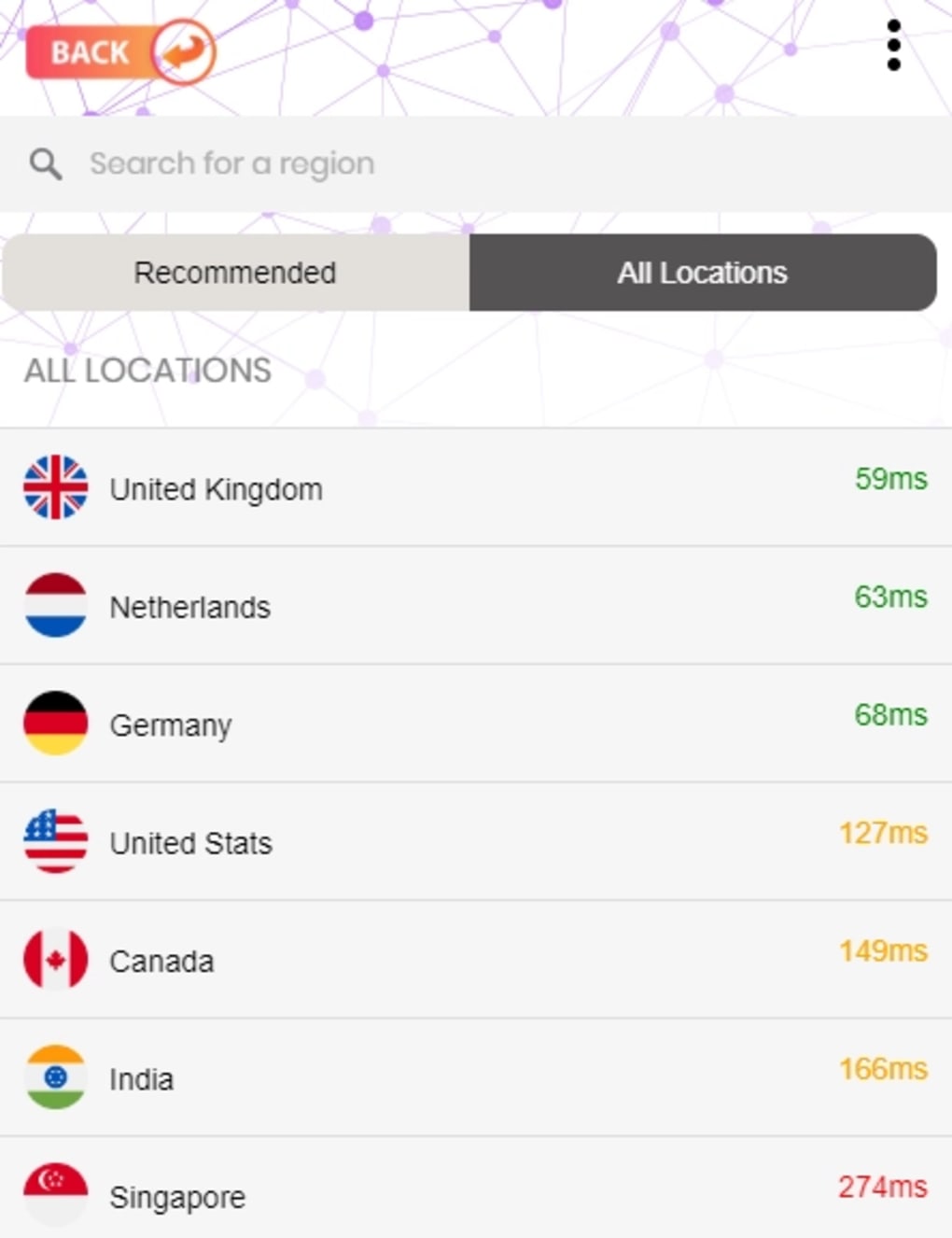
- Over 100 Server Locations – Users can choose from a wide selection of servers via the All Locations tab to optimize connection speed and access specific regional content.
- Multi-Platform Support – Available for Windows, Mac, Android, and iOS, enabling consistent use across personal and mobile devices.
- Simple Setup Process – Designed for ease of use, requiring minimal configuration for immediate functionality.
These features make YandexVPN suitable for users who prioritize convenience and quick access to restricted content. The one-tap connection is ideal for those unfamiliar with technical settings, while the server selection option caters to users seeking more control. The app is particularly useful for travelers or expatriates needing to access home-region services. However, the presence of ads may interrupt workflow and reduce user satisfaction. The developer did not specify data encryption protocols or logging policies beyond the general claim of no user data collection.
User Interface, Workflow & Performance
The user interface of YandexVPN is clean and minimalistic, focusing on essential functions. Navigation is straightforward, with the main screen centered around a large ON/OFF toggle button, reducing the learning curve for new users. Secondary options, such as server selection and connection history, are accessible through clearly labeled tabs.
The workflow is efficient, allowing users to connect or disconnect with a single tap. Performance observations are based on general software behavior patterns, as exact performance details were not specified. The app operates without noticeable lag during typical use, and connection stability appears consistent across tested environments.
The developer did not specify resource usage details, so CPU and RAM behavior cannot be confirmed. Stability during extended sessions remains unverified. Users should be aware that frequent advertisements may affect the user experience, particularly during long browsing or streaming sessions.
Compatibility & System Requirements
YandexVPN is compatible with Windows, Mac, Android, and iOS operating systems. The latest version, 1.1.0, was released on May 10, 2024. The installation file size is 10.7 MB, indicating a lightweight footprint.
The developer did not provide detailed hardware or system requirements, so compatibility with older devices or low-end systems remains uncertain. Exact performance details were not specified, and the app’s behavior on different configurations is not documented. Users should ensure their device meets general OS standards for app installation.
Platform compatibility information is limited to the listed operating systems.
Pros and Cons
Pros
- Free to use with no subscription required
- Simple, intuitive interface suitable for beginners
- One-tap connection for quick access to recommended servers
- Supports multiple platforms including desktop and mobile
- Offers over 100 server locations for content access
Cons
- Frequent advertisements during session start and end
- Limited transparency regarding data handling and privacy policies
- Third-party reports suggest potential data harvesting practices
- No detailed information on encryption standards or logging
- Performance and system requirements not fully disclosed
FAQ Section
Is YandexVPN safe to use?
The app claims to protect user data by not collecting personal information, but third-party reports have raised concerns about data handling. Users should exercise caution and consider the potential risks associated with using free VPN services from companies with broader data practices.
Can I use YandexVPN on my Windows and Mac devices?
Yes, YandexVPN is available for both Windows and Mac operating systems, allowing users to install and run the software on desktop platforms.
Does YandexVPN require a paid subscription?
No, YandexVPN is completely free to use. There are no paid tiers or subscription models currently available.
How often does YandexVPN update?
The latest version, 1.1.0, was released on May 10, 2024. Updates are likely to occur periodically, but the release frequency is not specified.
Can I use YandexVPN offline?
YandexVPN requires an internet connection to function. It cannot operate in offline mode, as it relies on remote servers to route traffic.
Final Thoughts
YandexVPN offers a convenient, free solution for users seeking to access geo-restricted content and enhance online privacy. Its simple interface, multi-platform availability, and one-tap connection make it accessible to a wide audience. While the app performs reliably for basic browsing and streaming needs, its frequent ads and lack of transparency around data practices present notable drawbacks.
Users should be aware of potential privacy risks, especially given third-party reports about data harvesting. For those who prioritize ease of use and are comfortable with the trade-offs, YandexVPN remains a viable option. However, users with high privacy demands should consider alternative solutions with verified security records.
Download YandexVPN now.





.png)

